Drawer is a calm notebook for students and professionals. Your notes are plain files you own, private notes are encrypted, and Claude helps only when you ask.
No account. No cloud. No tracking. Your notes are files on your Mac.
Everything you expect from a modern editor, without handing your notes to anyone.
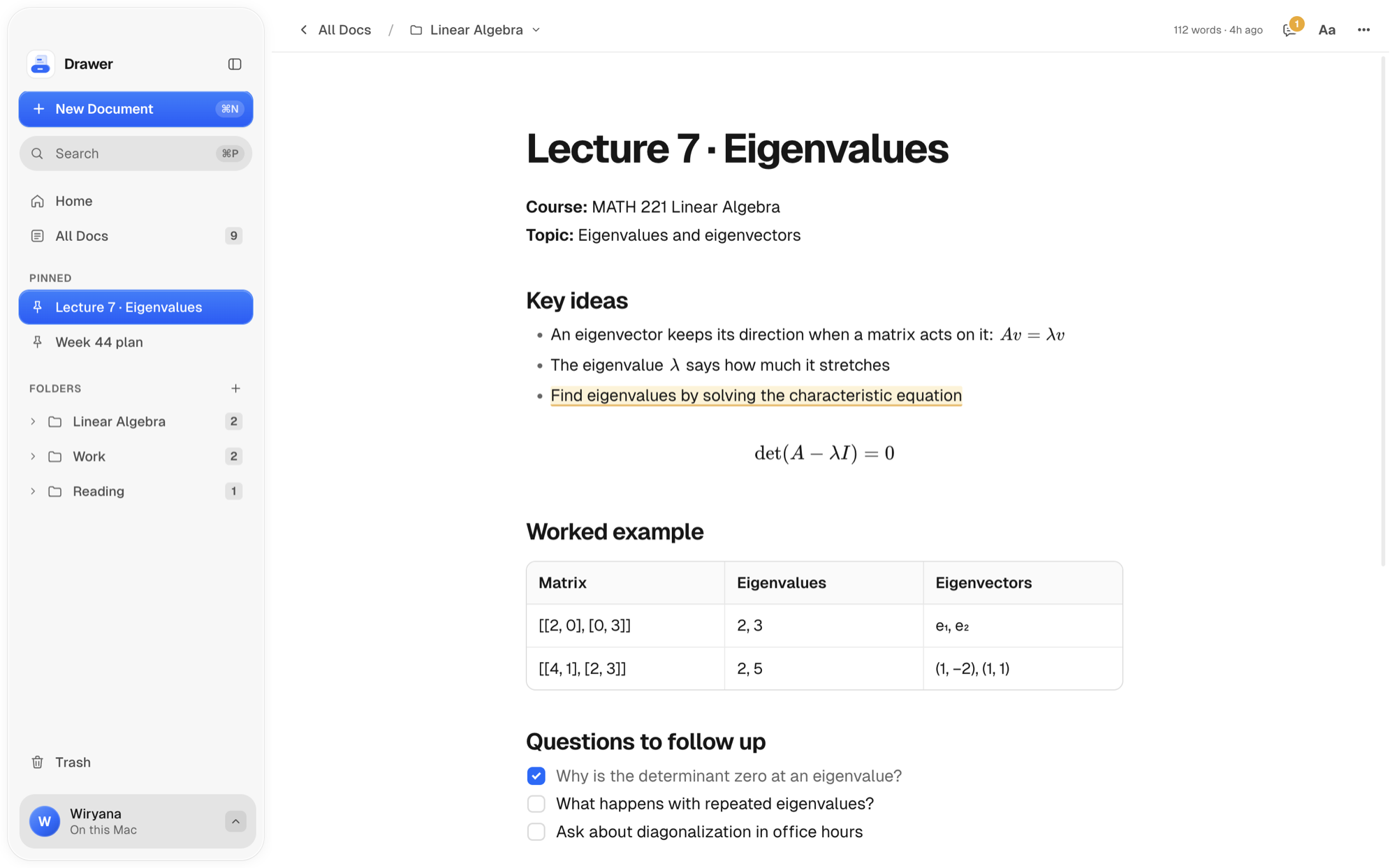
Headings, checklists, tables, code, callouts and equations, all from the keyboard. Type / for any block, or [[ to link another note.

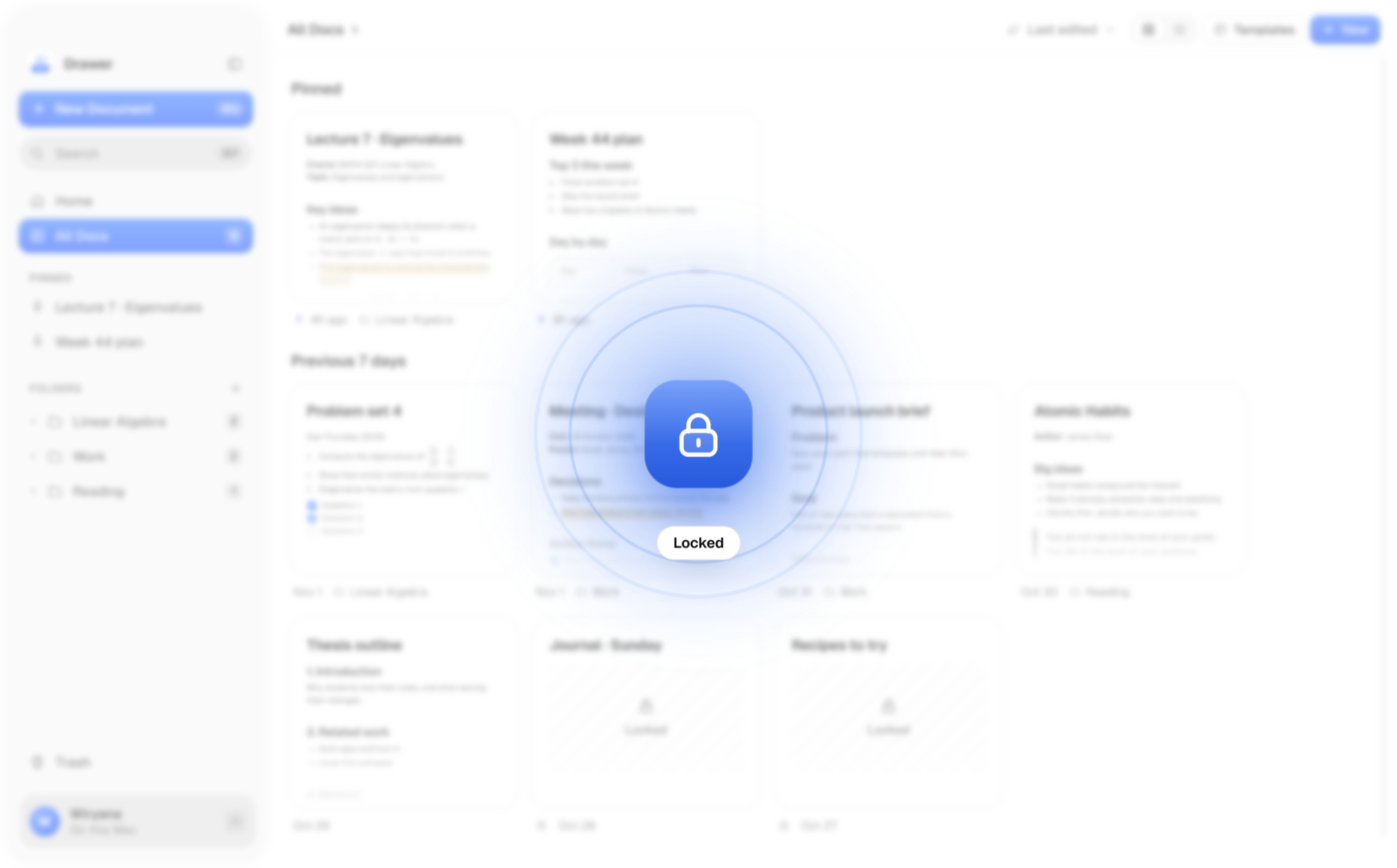
Private notes are encrypted on your Mac and open with your fingerprint. They lock again the moment you close them.
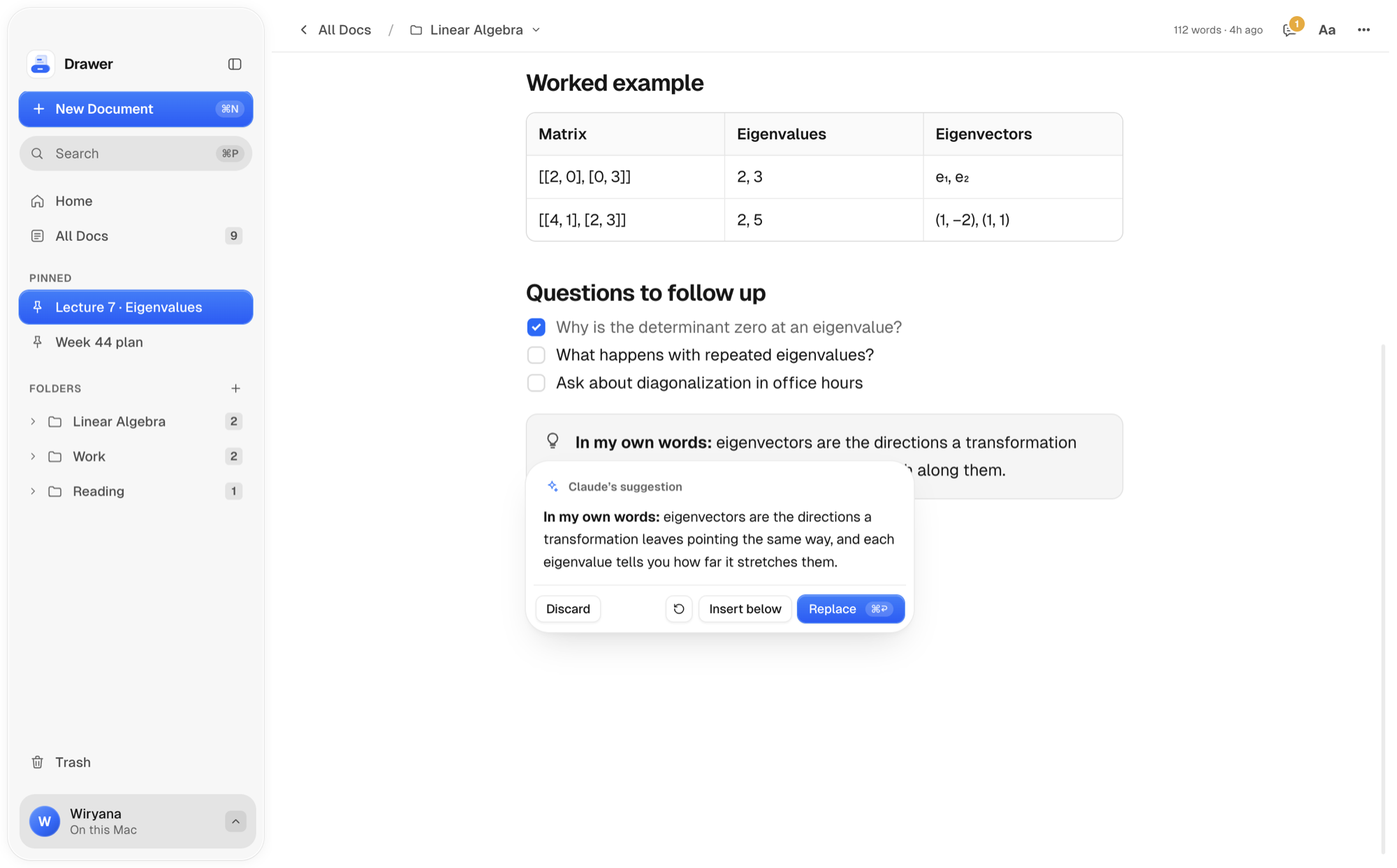
Select a paragraph and press ⌘J to improve, shorten or continue it. Use your Claude plan or an API key. Nothing is sent until you ask, and locked notes never are.

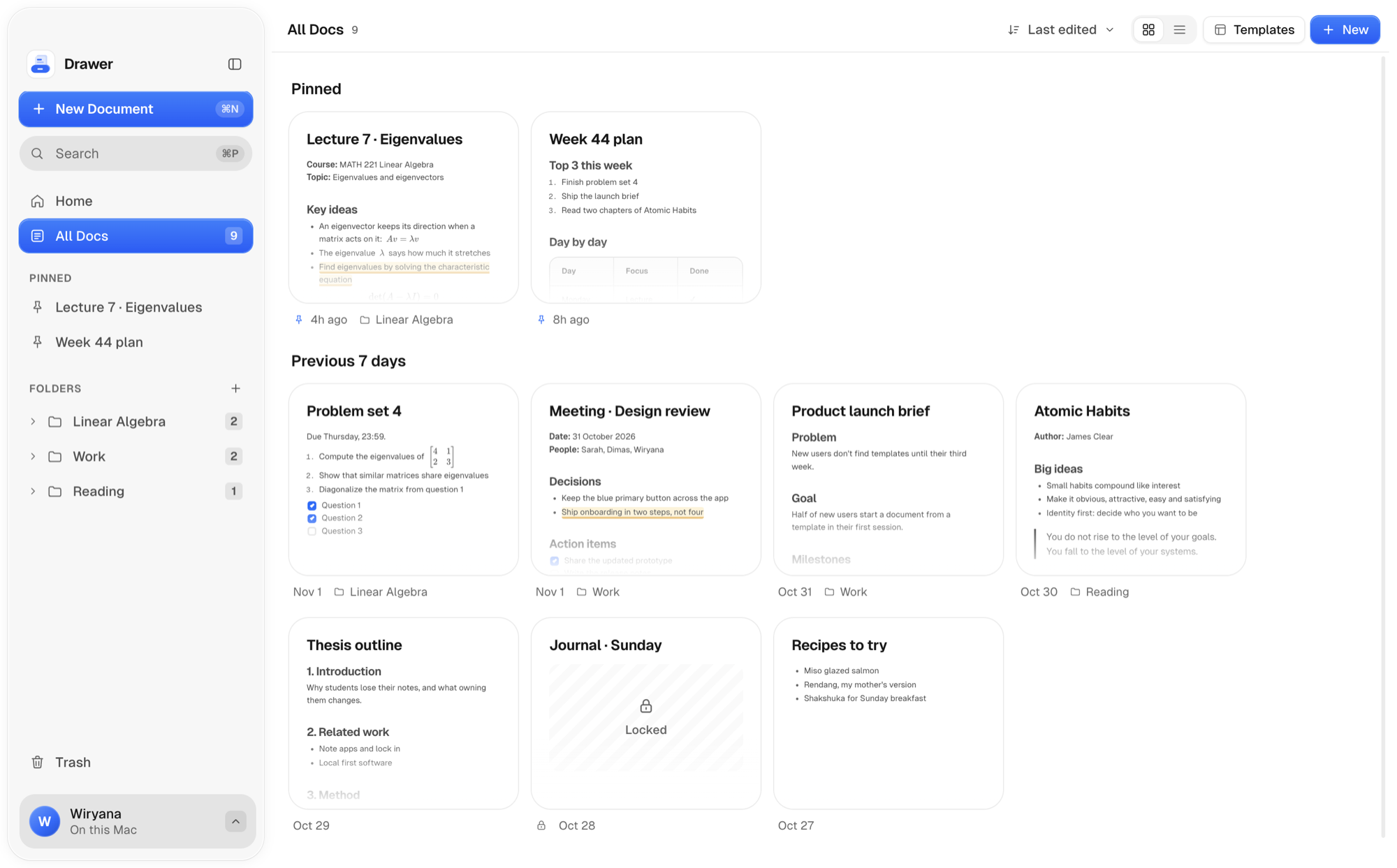
Every note is a Markdown file in Documents, in real folders. Open them in any app today, or in twenty years.
No server, no account, no analytics. There is nothing to breach.
On a plane or in a lecture hall with no Wi-Fi, everything still works.
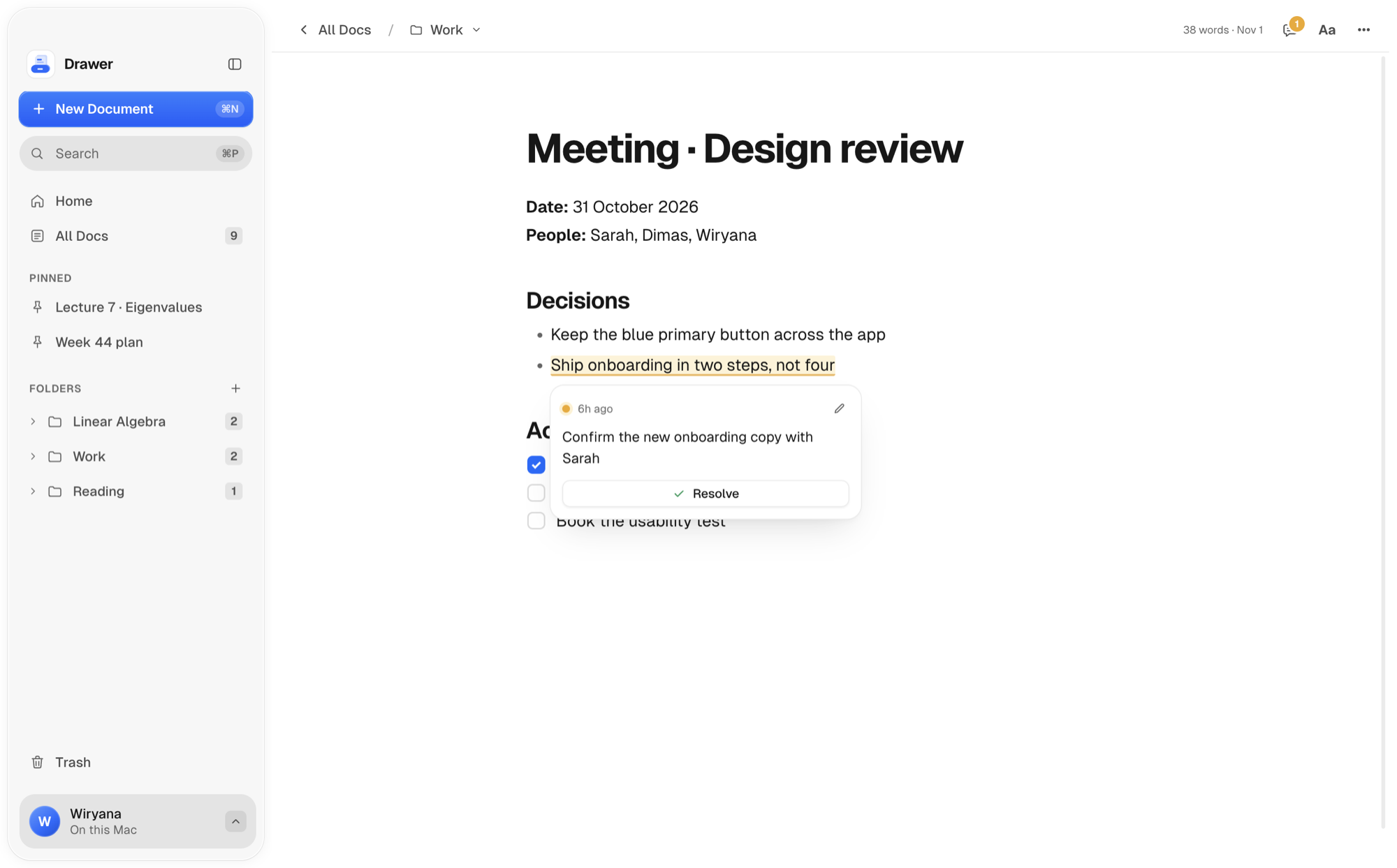
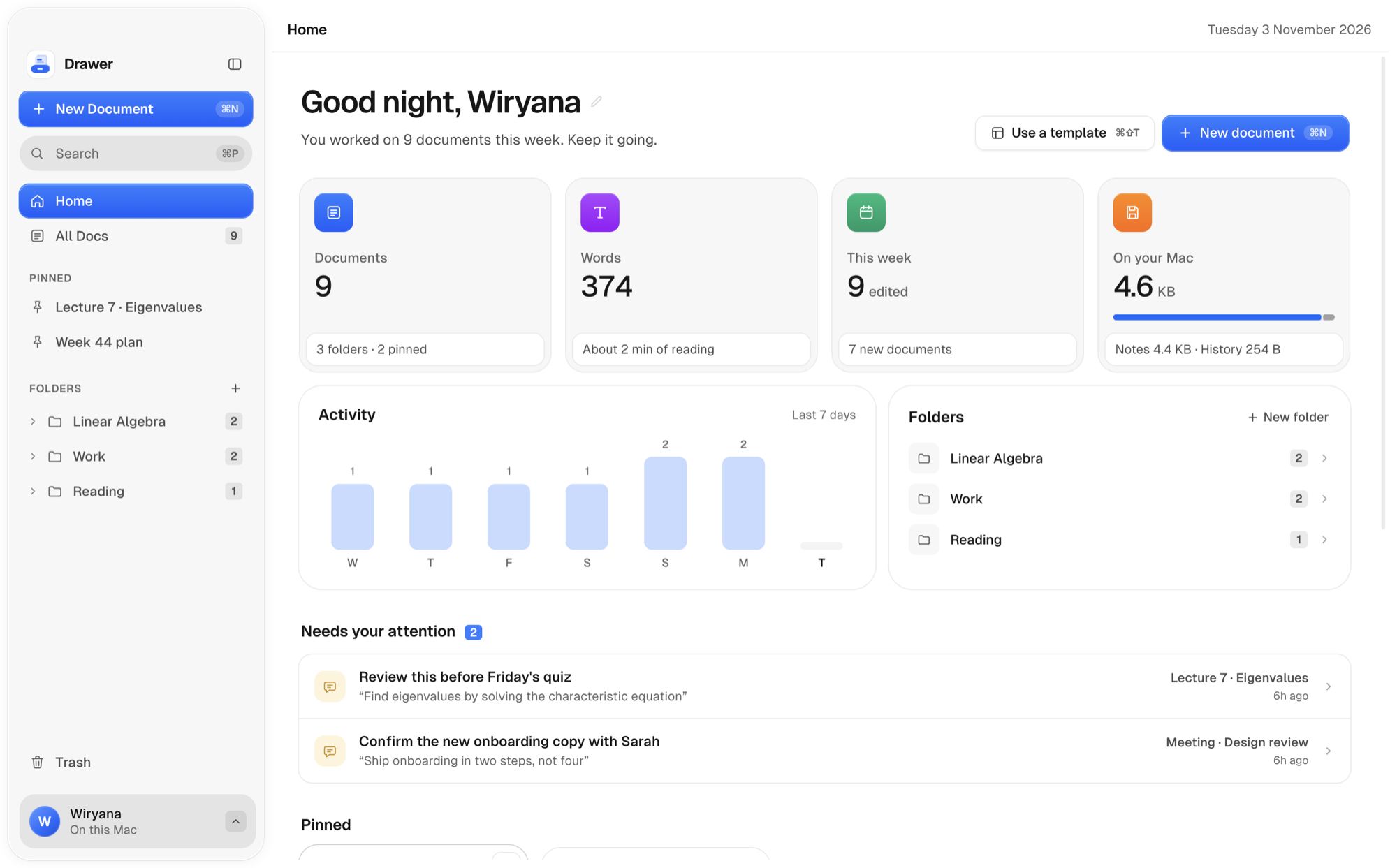
Highlight anything that needs a second look. Home keeps every open comment in one list.
The small things that make a notebook feel good to come back to.

Drawer sweats the tiny things, so writing feels like using a well made tool. Go ahead, try them.
Six switch sounds, made in real time, never recorded. Pick one and start typing.
A latch that snaps shut, with a click you can hear.
Finish a to do and it pops, with a soft tick.
Close a note and it slides home, with a soft wooden thunk.
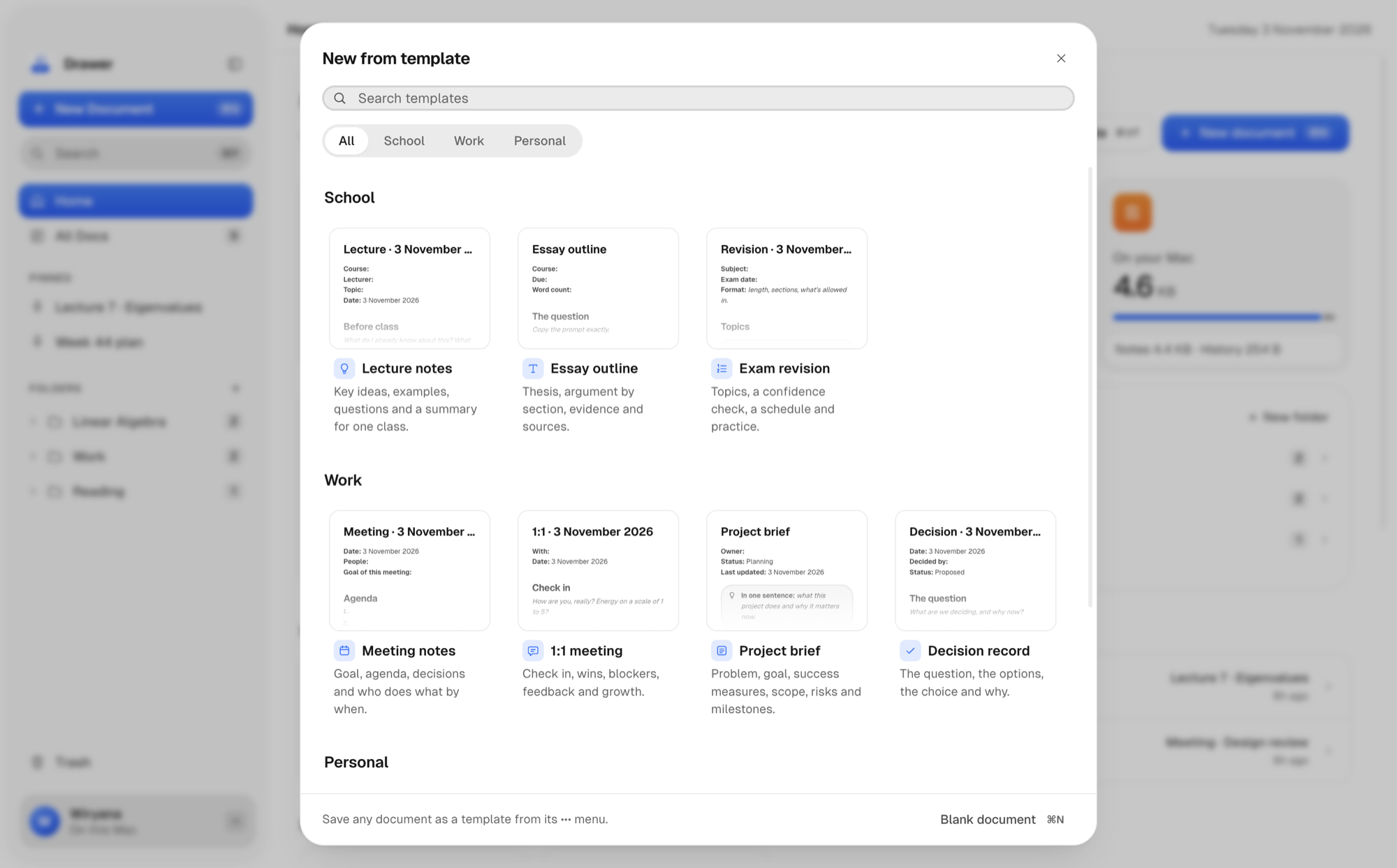
Pick from School, Work or Personal, preview it, and press ↩. The structure is already there, dated for today. Press ⌘⇧T anytime.

Highlight anything that needs a second look and comment on it. Home gathers every open comment, so nothing slips.

Lock a note or a whole folder. It's encrypted on the spot, and only your fingerprint or password opens it again.

A notes app for your Mac that feels like a modern editor and behaves like a folder of files. You write rich documents with headings, checklists, tables and equations, and each one is saved as a Markdown file on your Mac.
In the Drawer folder in your Documents, one Markdown file per note, in real folders that match yours in Drawer. Nothing is uploaded anywhere, and there is no account.
Yes. They are plain Markdown, so any text editor can open them. If you stop using Drawer, your notes stay exactly where they are.
Fully. Writing, search, templates, locked notes and PDF export all work without a connection. Only writing help from Claude needs the internet.
A locked note's writing is encrypted on disk with AES-256, using a key made from your password. Drawer never stores the password. It opens with Touch ID or the password, and locks again when you close it or your Mac sleeps. Titles and pictures aren't encrypted, only the writing.
No. Writing help from Claude is off until you turn it on. When you ask, Drawer sends only the text you selected and your request, never anything else, and never a locked note.
If you have a Claude Pro or Max plan, Drawer can use it through Claude Code on your Mac, so it counts toward your plan's usage with no extra bill. You can also use your own Anthropic API key and pay as you go.
If they're in Markdown, yes: drop the files into the Drawer folder in Documents and they appear the next time you open Drawer. There are no importers for other apps yet.
Drawer tells you once after each update, and every change is listed in What's new, in the profile menu or with ⌘⇧I. It works offline, like the rest of Drawer.
Not yet. Drawer is made for the Mac first.
Drawer is almost ready. Soon you'll keep every note on your Mac, beautifully and privately.
Work in progress · Coming soon to macOS · No account